Preview of draft post/View of published post is not loading images every time #10677

Description

Expected behavior
Previewing a draft post loads all its content.
Actual behavior
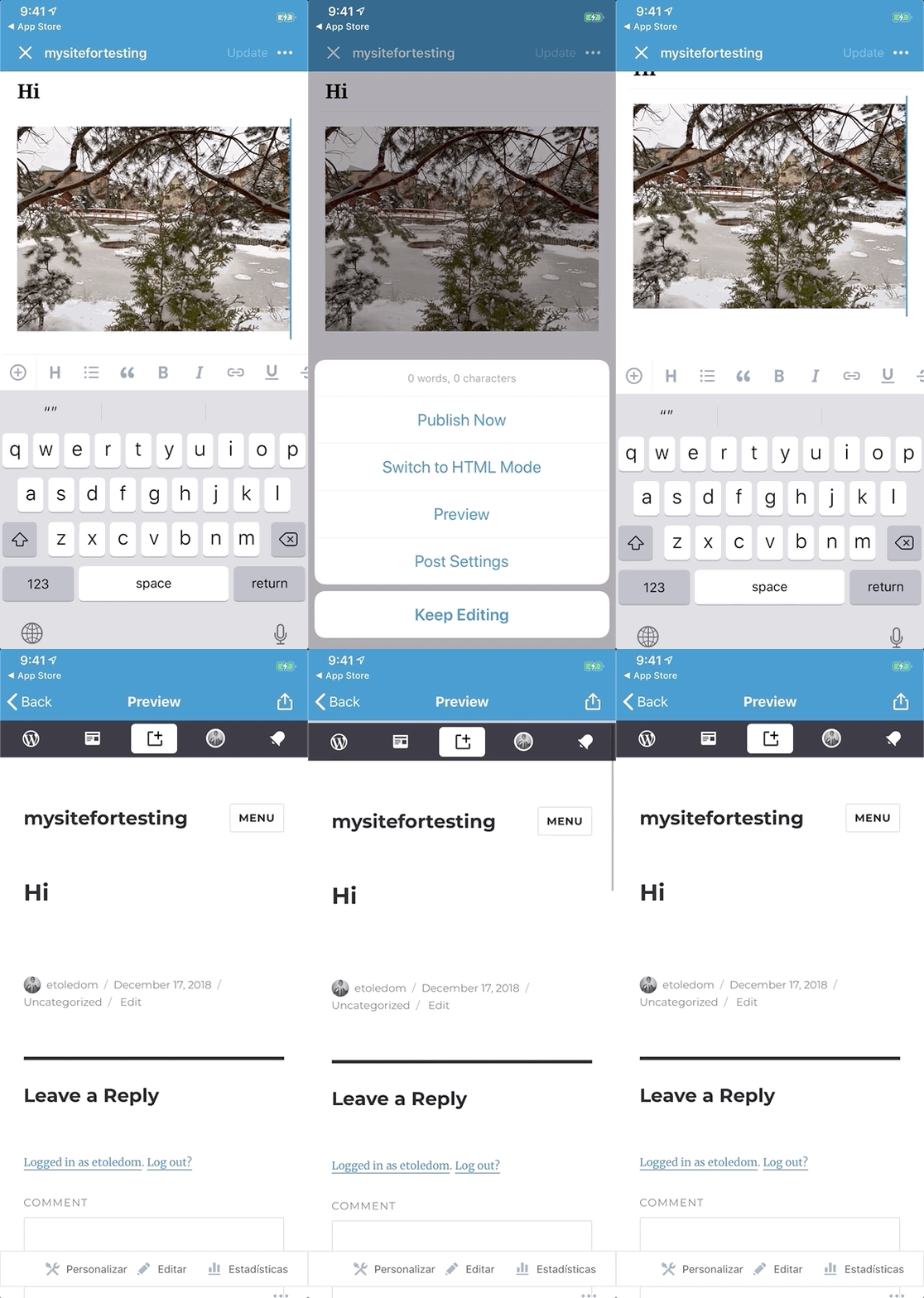
When there is an image on a draft post, it is not shown on preview. This happens when the draft was just created on and the site is private. Sometimes previewing an old post, the image is shown.
Steps to reproduce the behavior
- Create a new post.
- Write some title.
- Add an image.
- Save as draft.
- Make sure that the
Updatebutton is inactive (the post has no changes). - Press the
more(...) button. - Select
Preview. - The image won't show.