Can't visualize an image in control addin #1261

Description

I have some issues about images in control addins. I tried many combinations but the system always draws an empty image or the alternative message.
Al Code
controladdin TestAddIn
{   Scripts = 'jquery-1.8.2.min.js', 'Core.js';
    StartupScript = 'Ready_Load.js'; //questo script è obbligatorio
    Images = 'Images/test.jpg';

    HorizontalStretch =true;
    RequestedWidth = 1280;
    RequestedHeight = 1700;
    event ControlReady();
    event ControlEvent(ReturnedData: JsonObject);
}

page 50103 IST_Image
{   CaptionML =ENU= 'Test';
    layout
    {
        area(Content)
        {
            group( test)
            {
              usercontrol(ControlName; TestAddIn)
            {
                ApplicationArea = All;
                trigger ControlReady()
                var

                begin
                    Message('NAV Addin Loaded');

              }
            }
          }
    }

}
About the scripts:
Ready_Load.js
var page;
var navControlContainer;
$(document).ready(function () {

      document.oncontextmenu = function () { // Use document as opposed to window for IE8 compatibility
          return false;
      };

        navControlContainer = $("#controlAddIn");


       page = $('<img id="mypic" src="Images/test.jpg" height="500" width="750" >'+
               ' <button type="button">Click Me!</button> '


    );
      navControlContainer.append(page);

    Microsoft.Dynamics.NAV.InvokeExtensibilityMethod('ControlReady', []);

 });
Core.js is empty (just for testing purpose) and query-1.8.2.min.js is a standard library
About folders, this is a pic of the project and its folders
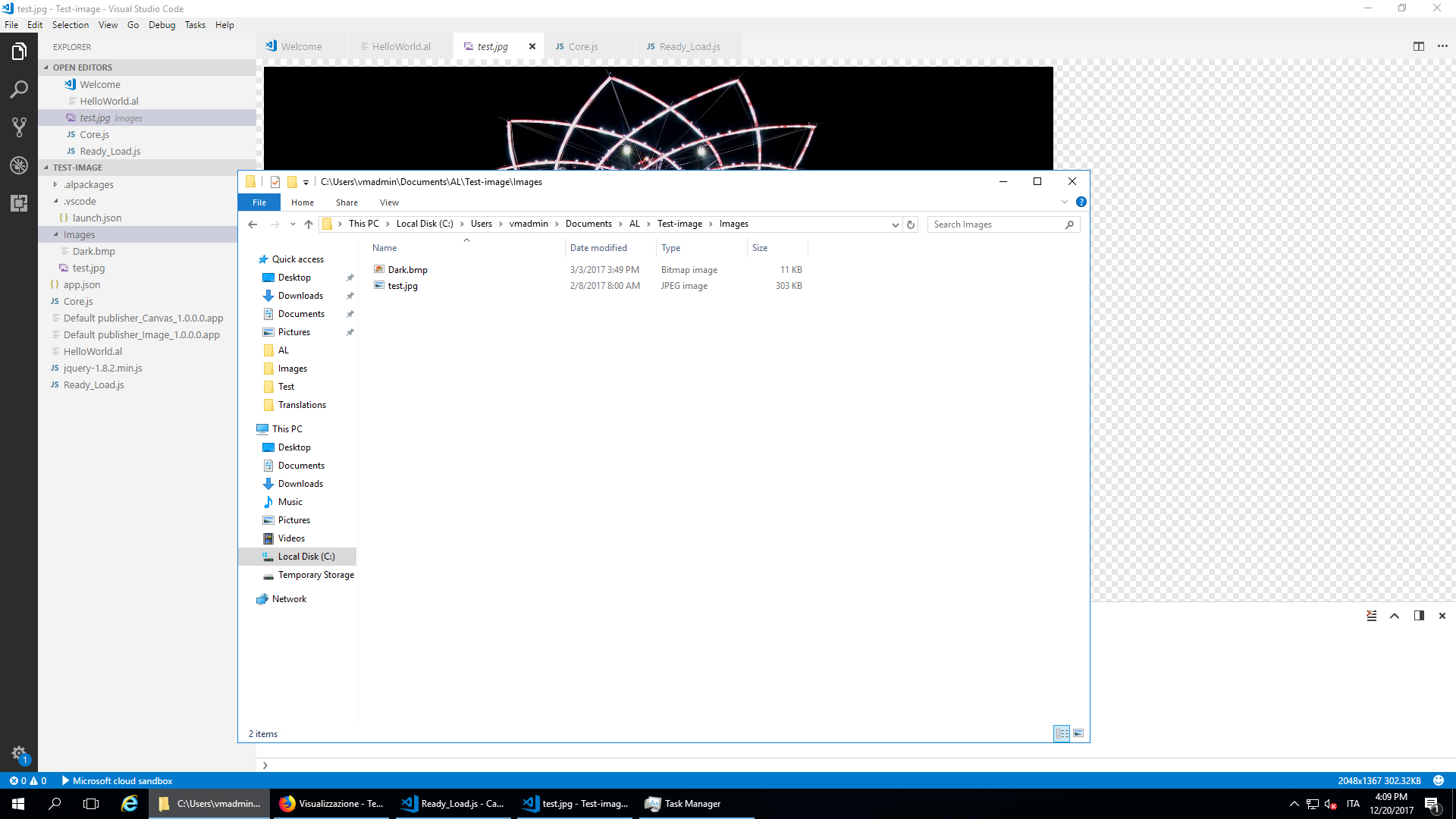
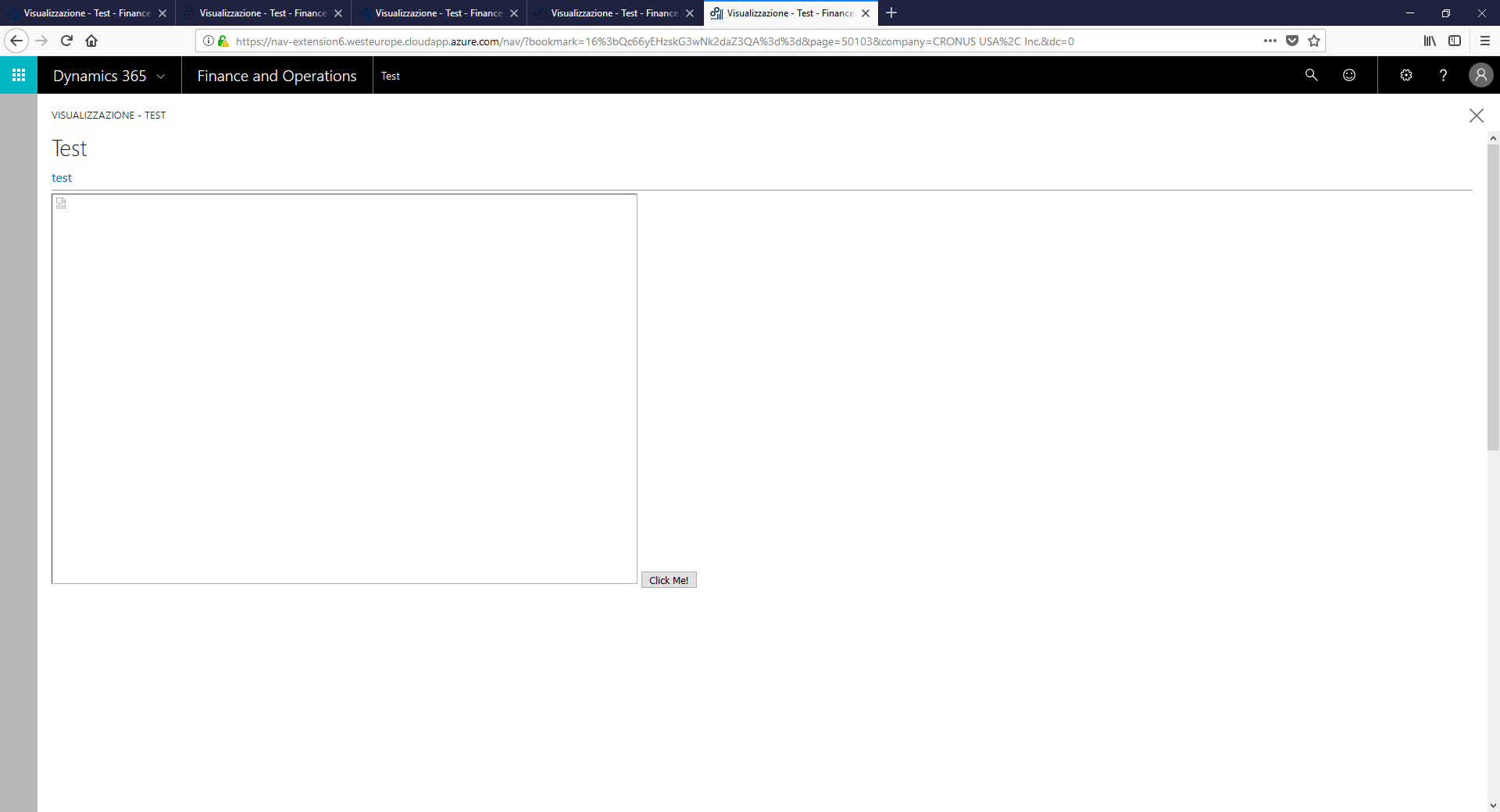
As you can see the "test" image is in the Images subfolder. I tried to move it in the main folders, change / and \ but with no effects. This is the result:
Any hint is appreciated. Thanks