Make sam deploy output more user-friendly #1659

Description

Describe your idea/feature/enhancement
The new sam deploy command is fantastic, but the output can be slightly more UX-friendly.
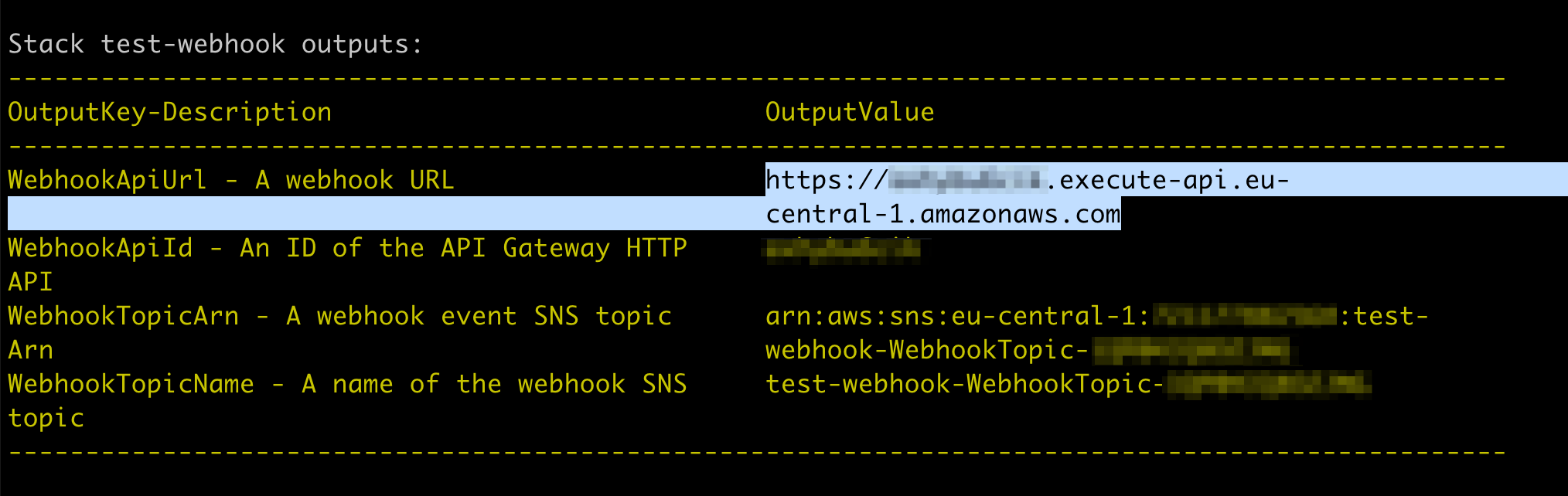
For example, the output is nicely formatted, but when I try the copy the URL, which is in the multiple lines, I get the URL with spaces.
Here's the screenshot of the action:
Expected result of the copy action:
https://abcdefghij.execute-api.eu-central-1.amazonaws.comActual result:
https://abcdefghij.execute-api.eu-
                                                      central-1.amazonaws.com
or this, if the paste destination doesn't support new lines:
https://abcdefghij.execute-api.eu- central-1.amazonaws.comIt's even more confusing if I try to copy something with the long key. For example, if I try to copy the Arn from the previous screenshot, I'll get the "Arn" string in the middle of my actual Arn.
Proposal
Not sure what's the best solution to this, but it would be much more useful if I can copy the output.